

Progress reports are right around the corner! Drafting progress reports can feel overwhelming, but they don’t have to. Scholar makes it easier to track growth, document supports, and communicate clearly with families—all while saving you time.
Here are five practical ways to use Scholar as you get ready for progress reports:
1. Track Student Growth in Real Time
Scholar captures student progress as they complete lessons and activities, giving you instant access to data on skills, standards, and goals. Instead of spending hours piecing together information, you can quickly see how students are progressing and use those insights to inform your report comments. Click here to view a quick video about student insights!
2. Draft Personalized Comments with BruceBot
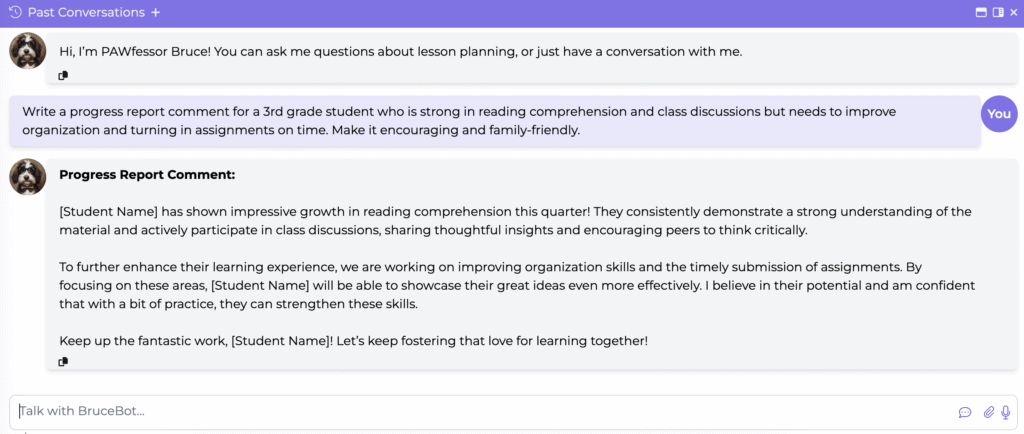
When it’s time to write feedback, BruceBot can help draft individualized comments for each student. Whether you need to highlight academic strengths, note areas for improvement, or share insights about conduct and participation, BruceBot creates a starting point you can easily customize in your own voice.
Try this prompt with BruceBot:
3. Document Accommodations and Supports
Scholar automatically logs accommodations as they’re used, so you have a clear record to reference when preparing progress reports. This makes it simple to show how supports are being implemented and how they are helping students succeed. Click here to learn more about accommodations insights within Scholar!
4. Highlight Strengths and Next Steps
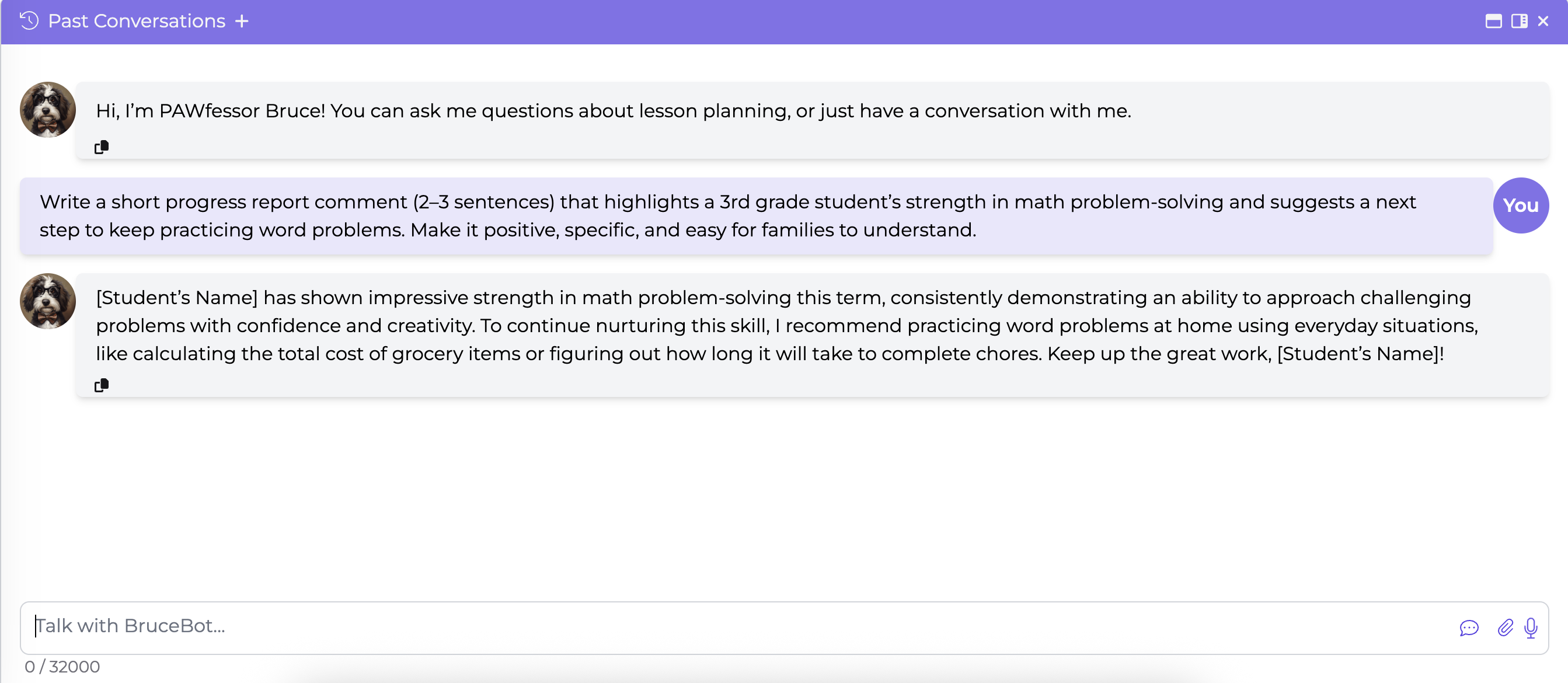
Scholar helps you go beyond grades by pulling together insights that show the full picture of student learning. You can highlight strengths, suggest actionable next steps, and even create student-friendly language that encourages ownership of their learning.
Try this prompt with BruceBot:
5. Organize Notes for Family Communication
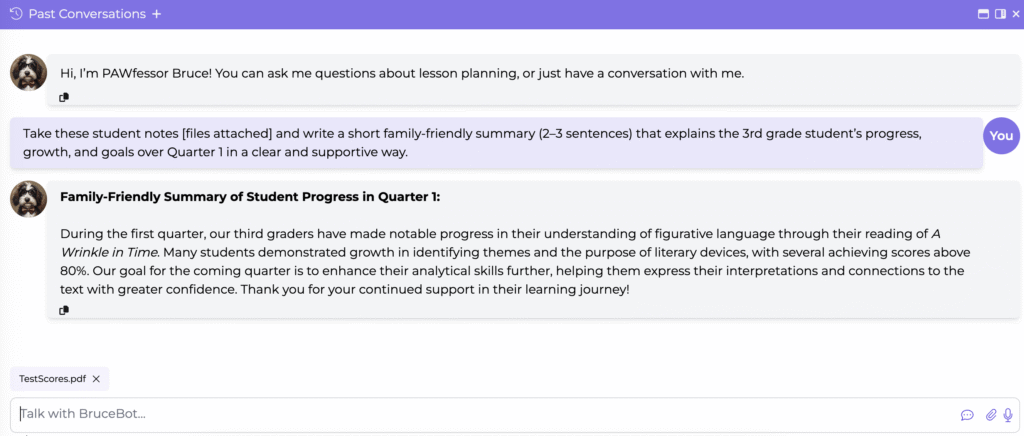
Whether your school uses progress reports alone or pairs them with conferences and portfolios, Scholar makes it easy to organize your notes. With just a few clicks, you can generate family-friendly summaries that clearly explain progress, growth, and goals—helping families feel informed and engaged. You could even attach multiple files of student notes and have BruceBot help you write a narrative!
Try this prompt with BruceBot:
Tail-Wag Takeaway 🐾
Progress reports don’t have to be stressful. With Scholar, you can track growth, document supports, and streamline communication—while BruceBot helps you personalize comments and save valuable time. Together, these tools make progress reports more meaningful for students, families, and teachers.